Enroll, configure, secure and operate business Android phones, tablets, rugged devices, POS terminals and kiosks through one purpose-built control plane.
Choose how much of the Android device the organization controls
The ownership mode changes enrollment, policy reach, personal privacy and the recovery actions available to administrators.
DOComplete device
Fully managed
For organization-owned phones, tablets and operational hardware that require full policy control.
DDAssigned workflow
Dedicated device
For POS, kiosk and task devices restricted to one application, an approved set or a controlled website.
CPCorporate + personal
COPE
For company-owned hardware that permits personal use while preserving organization-level controls.
WPBusiness profile only
Work profile
For employee-owned devices where business apps and data stay separate from personal content.
Organization owns the deviceFully managed or dedicated
Personal use is allowedCOPE
Employee owns the deviceWork profile
Product evidence
Trace a policy from configuration to live device state
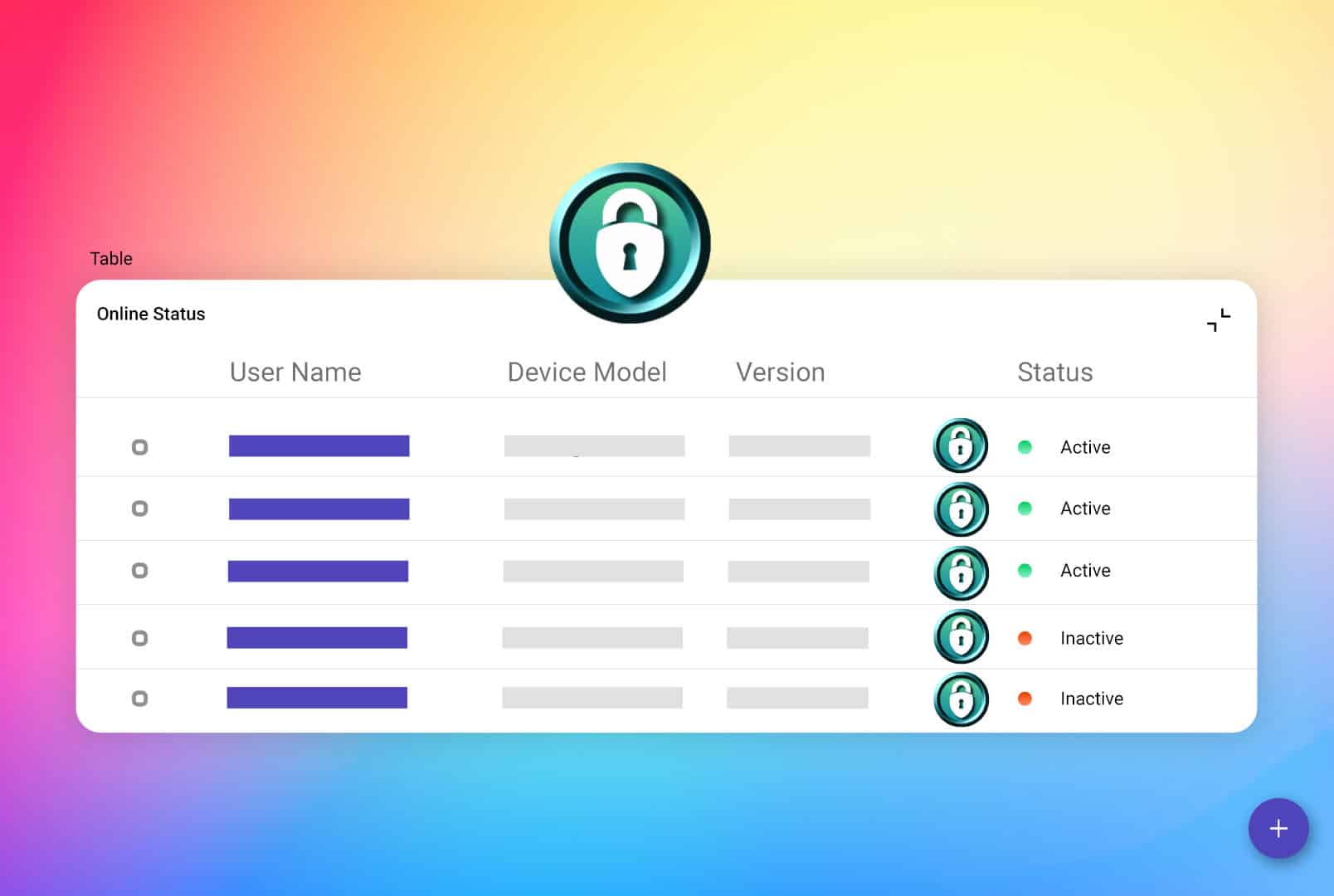
The two views belong together: what the administrator intended and what the Android fleet is currently reporting.
PolicyDevice stateapp.limaxlock.com
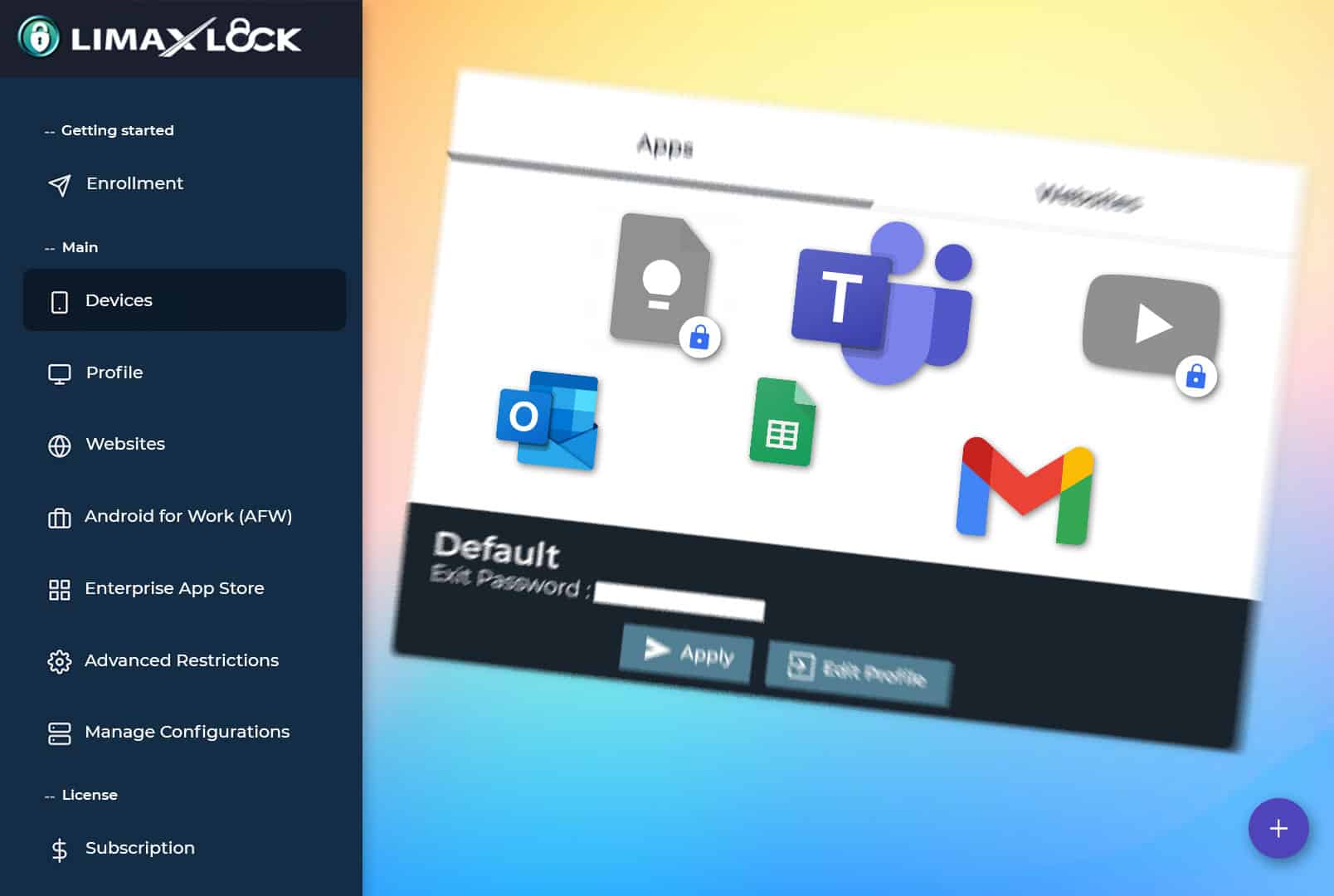
01Define the expected stateAssign applications, restrictions and connectivity rules by profile.02Verify the reported stateReview health, connectivity, compliance and the devices needing attention.
Policy checkRequired apps and restrictions applied
Operations checkBattery, network and last-seen status visible
Recovery checkAdministrator can restore the assigned state
Deployment sequence
Move Android hardware from the box to managed operations
Each step resolves a real dependency. Ownership comes before enrollment; validation comes before fleet rollout.
01
Choose ownership
Decide whether the device is fully managed, dedicated, COPE or employee-owned.
02
Enroll Android
Use QR code, zero-touch, Knox Mobile Enrollment or a work profile flow.
03
Assign the blueprint
Apply applications, networks, restrictions and security rules as one profile.
04
Verify and operate
Confirm the real device state, then monitor and support it remotely.
Operational fit
Match Android management to the hardware and the job
The operating priority changes by environment even when the same Android control plane manages the fleet.
Android device management is the centralized administration of business Android phones, tablets, rugged devices, POS terminals and dedicated devices. It lets an organization enroll hardware, deploy applications, configure settings, enforce security policies, monitor status and take remote actions from one console.
What is Android device management software?
Android device management software provides the administrator console and device agent used to configure, secure and monitor an Android fleet. It works with Android Enterprise management modes such as fully managed Device Owner, dedicated device, COPE and work profile.
How can a business manage Android devices remotely?
Enroll each device into the management console, assign it to a device or user group and apply a reusable profile. Administrators can then distribute apps, update settings, monitor device health and issue actions such as sync, restart, lock or wipe over the air.
Which Android devices can be managed?
LimaxLock can manage supported Android phones, tablets, rugged handhelds, scanners, POS terminals and dedicated devices. The exact controls available depend on Android version, device manufacturer, Google services and the selected ownership mode.
Does Android device management support employee-owned devices?
Yes. Android work profile enrollment creates a managed business container on an employee-owned device. The organization controls the work apps and business data inside that profile without accessing personal apps, photos or messages.
What is the difference between Android device management and mobile device management?
Android device management is operating-system specific: it focuses on Android Enterprise provisioning, ownership modes, applications, restrictions and Android hardware. Mobile device management is the broader software category for centrally managing mobile endpoints. LimaxLock's mobile device management page explains that broader product category.
Does LimaxLock support Android Enterprise?
Yes. LimaxLock supports Android Enterprise capabilities including fully managed devices, dedicated devices, work profiles, Managed Google Play and supported zero-touch provisioning workflows.
How much does Android device management cost?
LimaxLock uses simple per-device pricing. You can start with a 14-day free trial, enroll real Android hardware and validate the required controls before subscribing.
Pilot ready
Start with one Android device. Prove the complete workflow.
Enroll real hardware, apply the required policy and verify daily operations before you scale the fleet.